Create output areas for barcodes
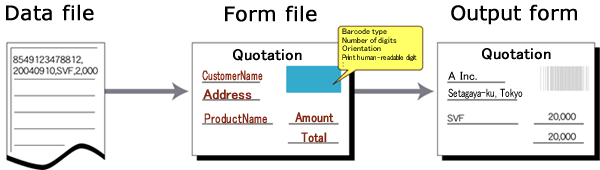
Form Designer has a feature to convert received data to various barcodes and print them. NW7, CODE39, JAN, ITF, CODE128, Postal code (Customer Barcode), CVS-EAN 128, and JAN/EAN-13 add-on 5 (JAN13 + Add-on) are supported.
If the barcode accuracy is reduced because of the printing environment, the density of barcodes, the element size, and toner blurring can be adjusted with the Barcode option.
Caution
Since SVF Cloud does not allow the print engine to fine-tune the output barcode, such as specifying the output width, the output barcode may not be readable.
Procedure
Select Item - Create barcode or click
 on the toolbar.
The mouse pointer appears as
 .
.Drag the mouse to make a rectangle on the form window.
A barcode is placed.
Select the barcode that was placed.
The Property editor displays the properties of the selected barcode.
Specify each property item.