Change design colors of items
Use the following procedure to set design colors:
Procedure
Select Settings - Design color settings. The Design color settings dialog appears.
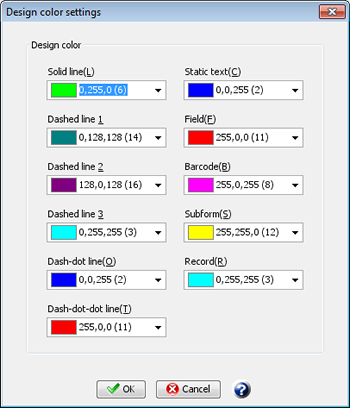
Select a design color for each item and line type, then click the OK button.
The design colors will be set. The design colors will be saved as the Form Designer settings, not by individual XML form files.
Restriction
The design color for each line type only applies to "straight lines", "horizontal or vertical lines", and "rectangles". Other items are not affected by the colors you set in the design color display. However, the borders of subforms and records will appear in green.